
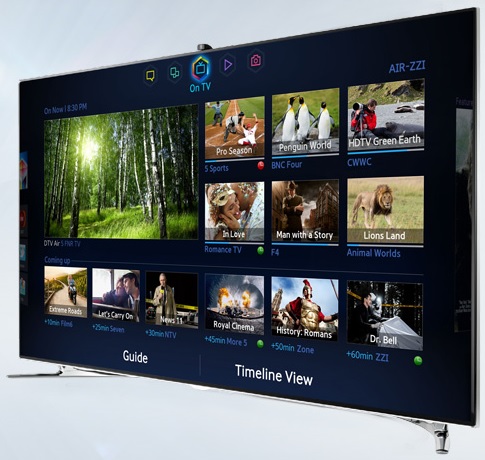
I got a new TV this week and in the process of setting up the smart apps I logged in with the wrong Netflix account. I tried to logout but there was no option to do so from the app. I tried various troubleshooting – turning the TV on and off, trying to uninstall the app (which I couldn’t do either), pressing various menu buttons, etc.
I also did some google searches and found nothing on Samsung’s site and the any other info was from a site called “Ask me fast” or links to that site from others. The advice was terrible – on your remote press up up down down left right left right – which as most of you should know is the Konomi code for old Nintendo games so I thought it was bullshit advice.
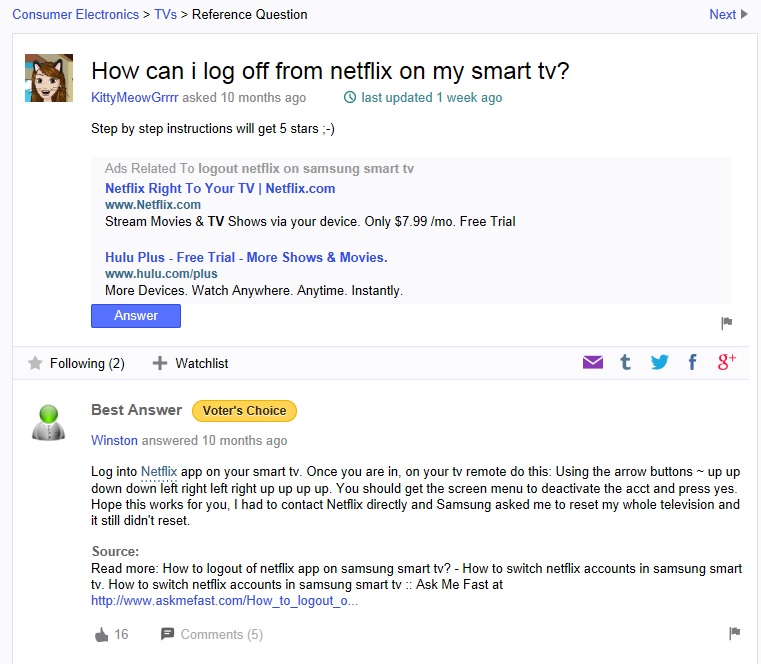
This went on for sometime and eventually I got frustrated enough to try resetting my TV to clear out the Netflix app. However Samsung locked me out of a full TV reset – which almost resulted in a ranting phone call to Samsung telling them that I should be able to reset my TV whenever I wish! At this point though I smartly decided to take a break and snuggle Brutus.

After this I did some more searching and found this unlikely video: http://youtu.be/Zl6lL2NijmA
This is actually my old TV (the one the new one replaced) but unless this was another expertly orchestrated misinformation the Konomi code might work. I was defeated enough at this point to try anything so I started up the Netflix app on my tv, held up the remote, and proceeded to press on the arrow pad up up down down left right left right up up up up and OMFG it worked!! The TV asked if I wanted to deactivate the app, I said yes, then went back in and typed in the correct credentials!
Yet another example of why video games are good for kids
There’s always the option of deactivating all devices from the website as well. It’s a minor annoyance to have to re-log into anything that needs set back up afterwards, but it’s sure to work.